Dock Badge Indicators
Mirror unread counts and status dots from the Dock directly on app tiles. Control them anytime from Appearance settings.
You cannot afford to lose anymore time, my dear power user. Get the Mac Taskbar 2026 now!
A Windows-like taskbar for macOS, built for multi-monitor workflows—now with Dock badges, Chrome web-app windows, Liquid Glass, and up to four rows per display.
Mac Taskbar 2.4 brings Dock badge indicators, first-class Chrome and Chromium web-app windows, and clearer color-aware active tiles to both Liquid Glass and Classic.
Mirror unread counts and status dots from the Dock directly on app tiles. Control them anytime from Appearance settings.
Installed Chrome and Chromium web apps now appear as individual taskbar windows and activate reliably when selected.
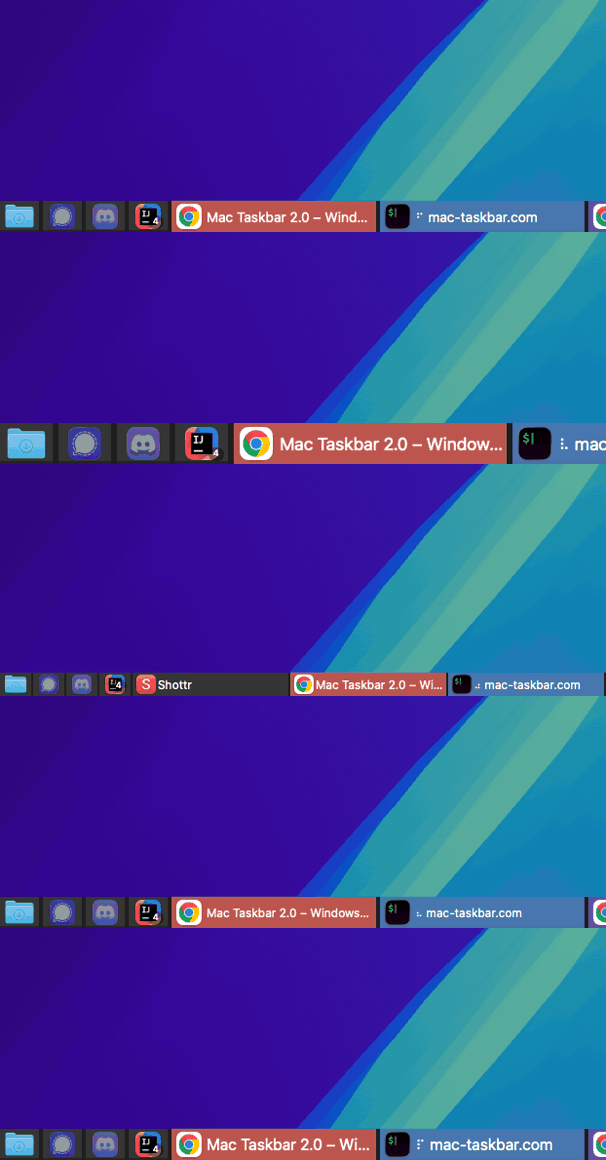
Custom colors are stronger and more consistent, while contrast-aware signature underlines keep the active window easy to spot.
Mac Taskbar 2.3 introduces Liquid Glass as the new default and lets horizontal taskbars grow to multiple rows—independently on every display.
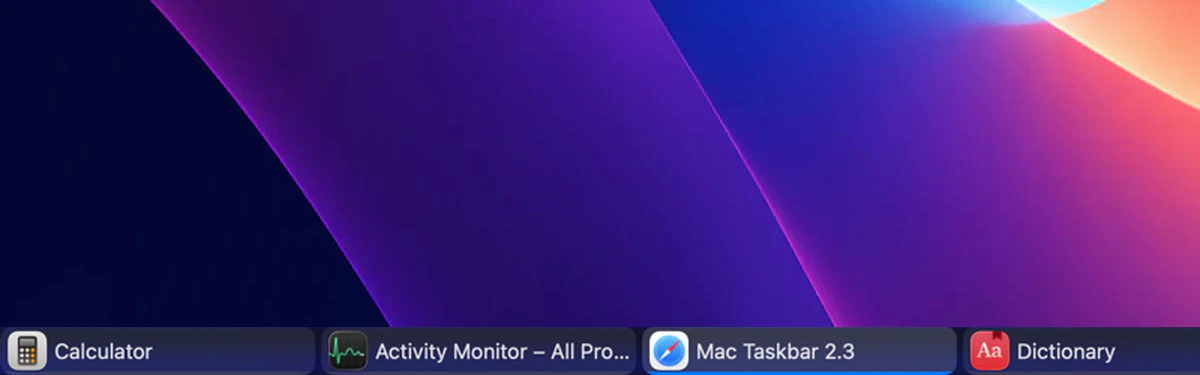
The new default uses native glass on macOS 26, compatible translucency on earlier supported versions, and adaptive contrast. Classic remains available.
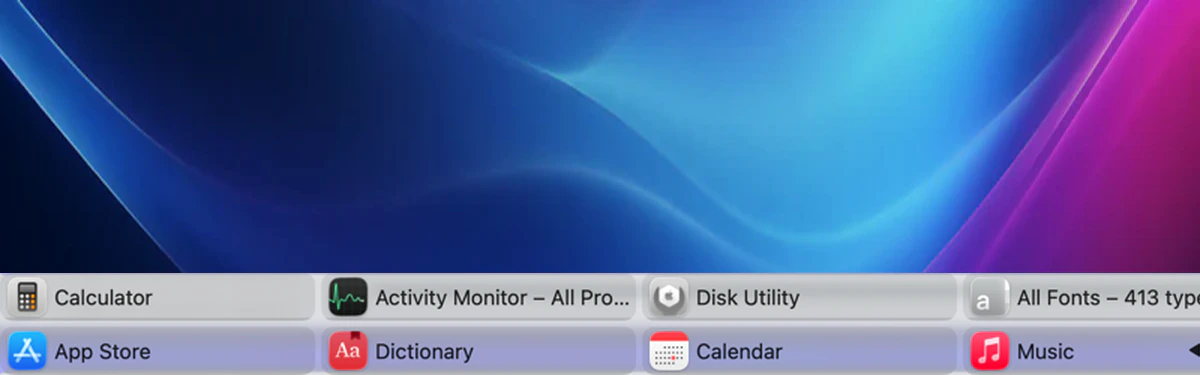
Give top and bottom taskbars one to four rows, using one global default or an independent setting for each display.






Ask for private help, report a bug, share an idea, or join the conversation—no extra account required.